
| 7 min. read |
I am going to keep this post short and sweet. As a Cricut owner for almost two years now, I have one tip to offer when you are trying to decide if you want to buy a Cricut or not – Time is money!
There are so many unique things you can bring to life with a Cricut, like stationery, custom t-shirts, stickers, wedding decor, and personalized gifts. As a bride myself, we completed all of our proposals using the Cricut, and from what we could tell, each gift was well received (pictures below).
However, I found that the learning curve for using the Cricut program as well as executing various Cricut projects is a bit steep.
To use your Cricut, you must create or upload a design to the Cricut Design Space platform. As someone who has never used a design program before, I found the program easy to use and learn. “Learn” is an important word because not only will you learn the basics of design software when using this program, but you will also learn its bugs. As you get familiar with the program, you will realize that there are some things the program likes and some things the program does not like. After reading other comments online, it seems like their program is a bit glitchier than most design platforms.
Once you learn how to bring projects to life, you probably realize that the projects take time, precision, and patience to execute. This is what I mean when I say time is money. Recently, I helped a friend make three mirror signs for their wedding. It took about 4 hours to create 4 stickers and place them on each mirror and another hour to design the stickers. The time spent on each project is heavily impacted by how intricate the designs/words are, the quality of materials, and your skill set.
Generally, I have found that higher quality materials (which don’t always mean Cricut brand materials) work better than less expensive brands. The more time you spend crafting, the faster and better you will get at working with the tools, design software, and materials. Practice makes perfect always seems to ring true, huh?
So, if you enjoy spending your time crafting, making things with your own hands, have an adaptive mind that is ready to learn new skills, and the patience to practice them, then I would say Cricut-ing definitely sounds like your next hobby!
Below are a list of the current products sold on Cricut’s website:
Cricut Joy – $179.00
Cricut Joy Xtra – $199.00
Cricut Explore 3 – $319.00
Cricut Maker 3 – $429.00
Cricut Venture – $999.00
Wondering what’s best for you? Well that depends on what you want to make.
In my personal opinion, the best Cricut for a beginner who doesn’t know what they want to make and just wants to start crafting is the Cricut Joy or Explore 3. As a beginner, the main difference you will notice between the two is the project size; the Joy maxes out at 4.5 inches wide x 4 ft long, while the Explore can do up to 11.7 inches wide x 12 ft long. The Explore 3 will allow you to make bigger projects like prints for adult shirts and large mirror vinyl. The Explore will have more capabilities than the Joy (i.e., scoring paper and cutting bonded fabric). If you would like a more in-depth comparison, the Cricut website actually has a great comparison Tool.
I would love to know if you decide to purchase a Cricut or what your experience is with Cricut!

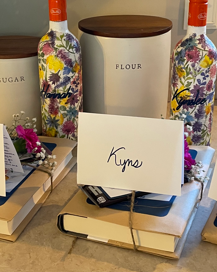
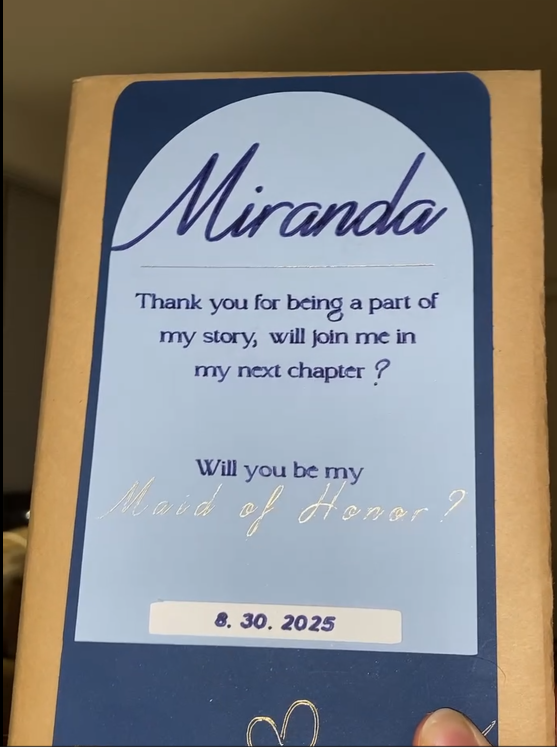
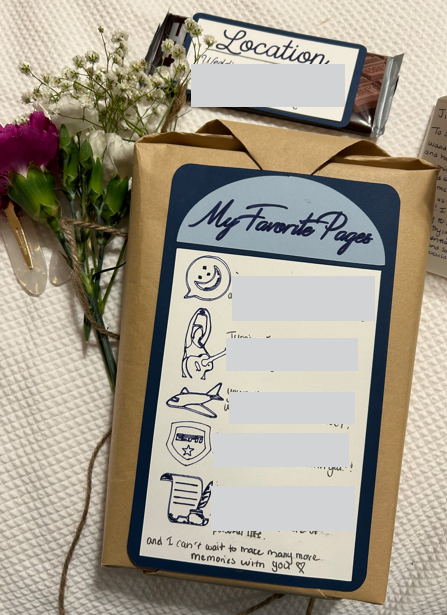
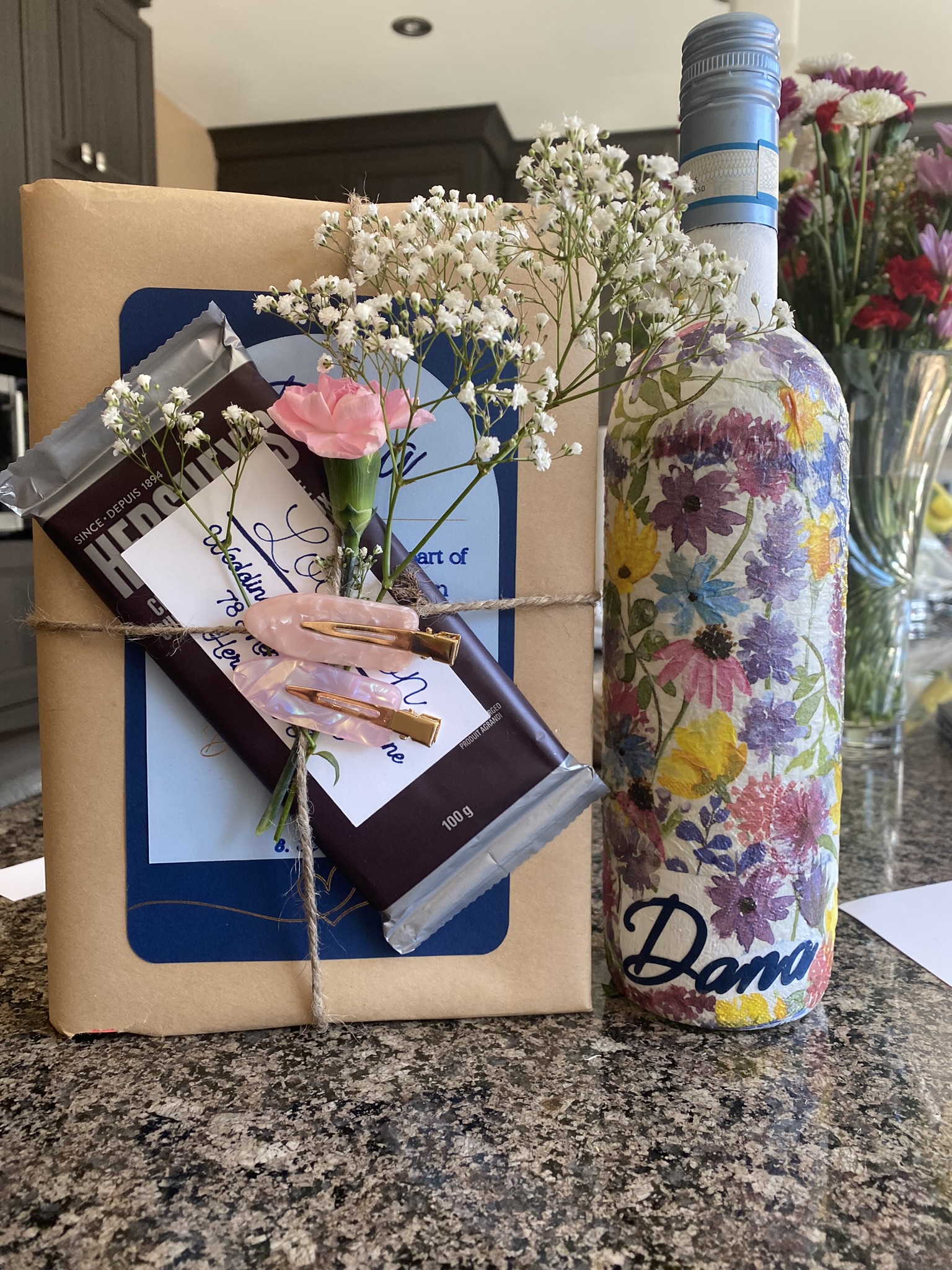
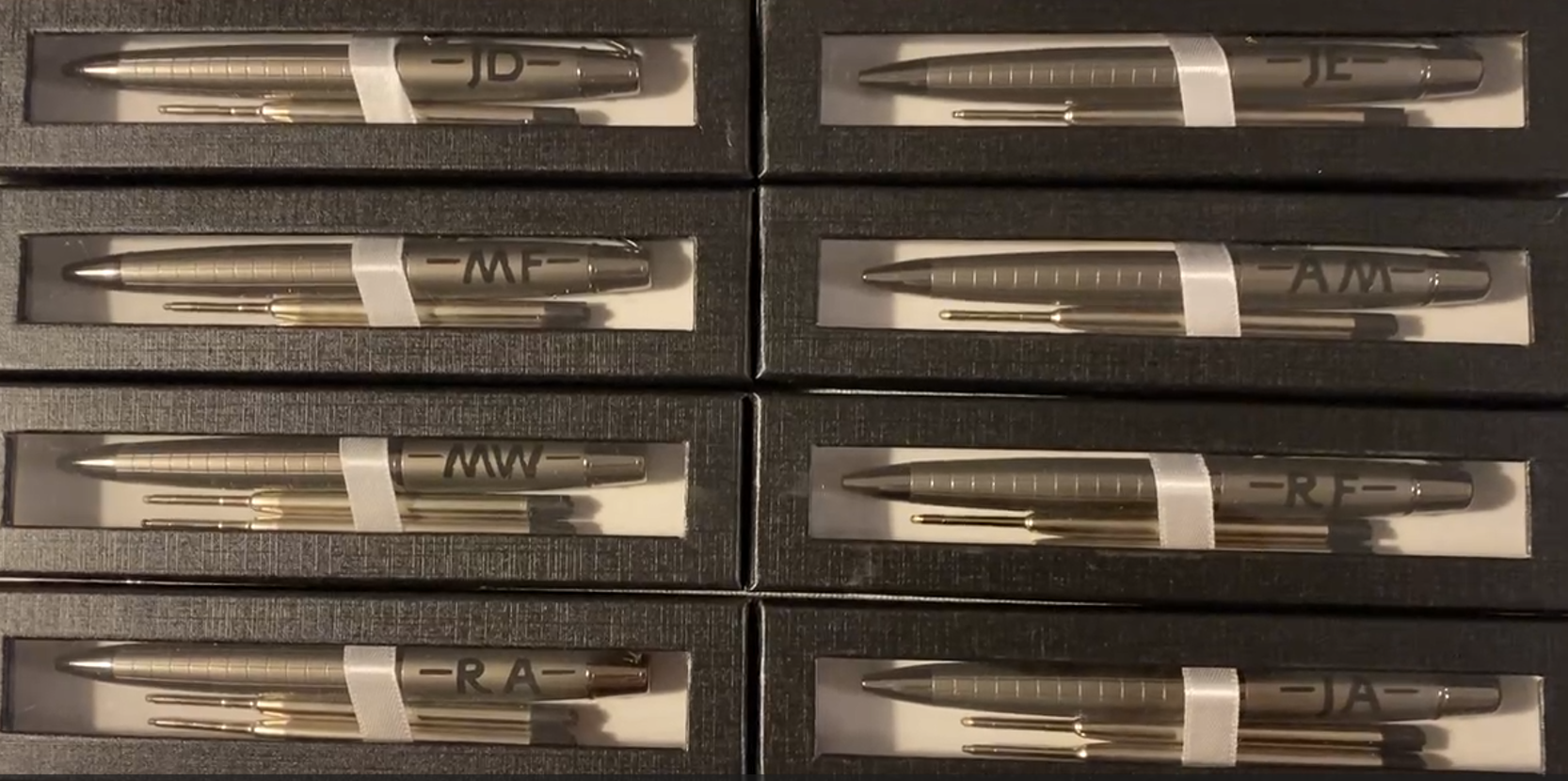
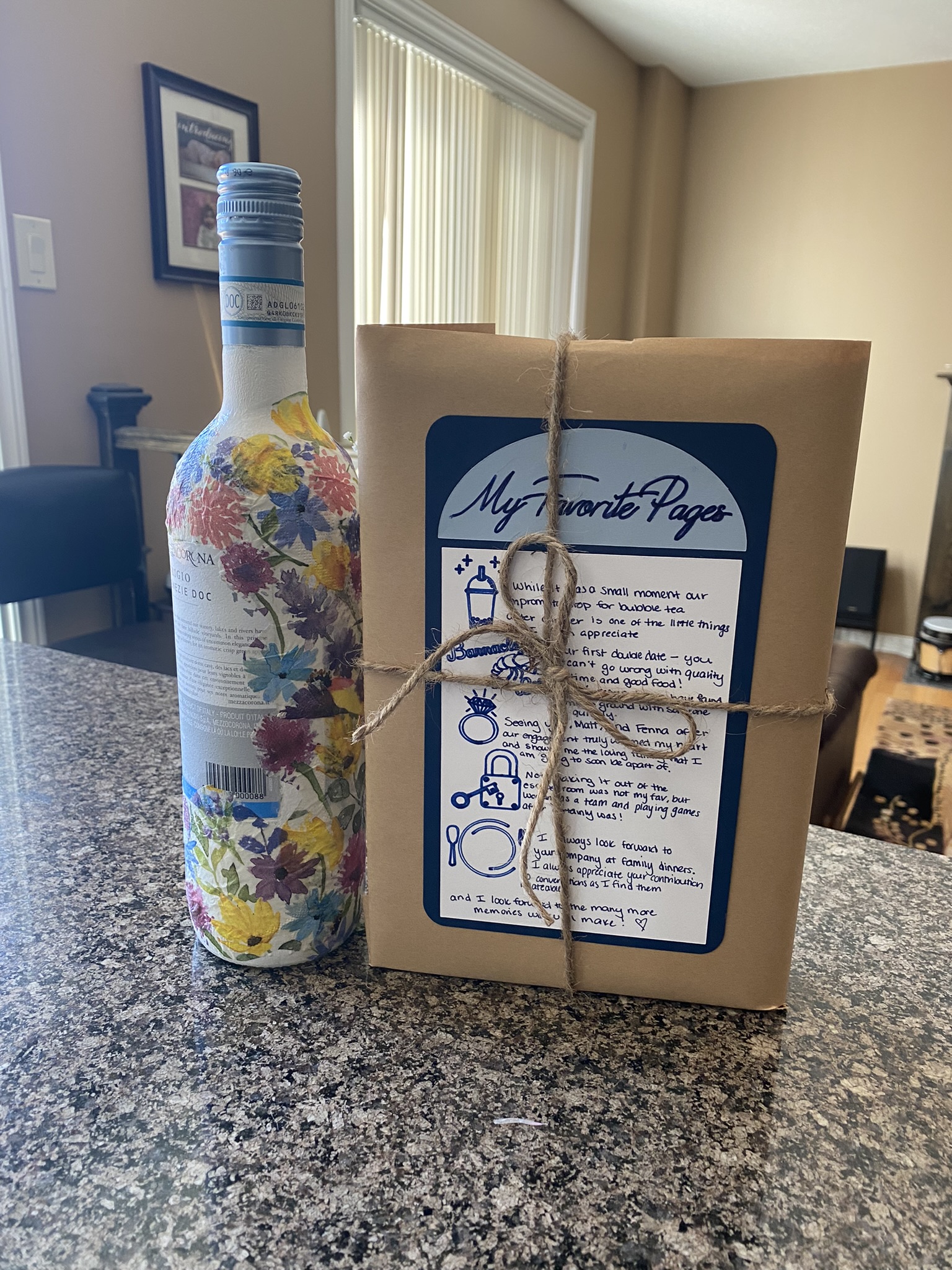
Groomsmen and Bridesmaid Proposals
 The Lemon's Drop
Leave a comment